To submit a payment advice:
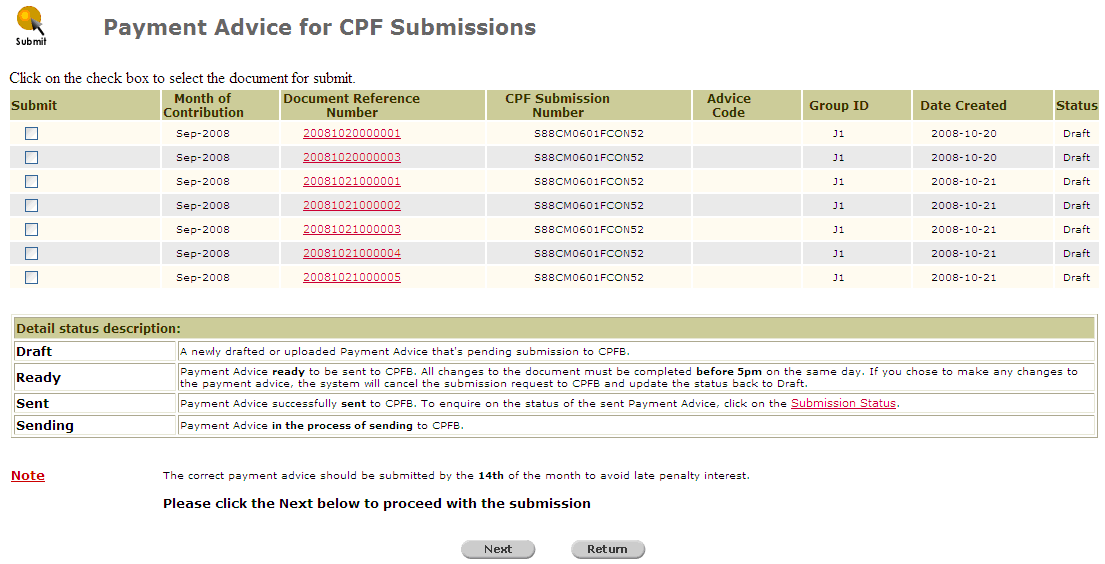
Click Payment Advice >> Submit. The Payment Advice for CPF Submissions page will be displayed.
Payment Advice for CPF Submissions Page
Click the Document Reference Number of the selected payment advice to view its details. A File Download window will be displayed.
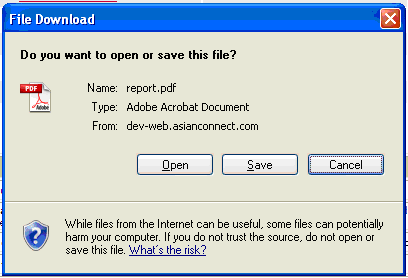
File Download Window
Click Open to view the file or Save to save a copy in your computer.
On the Payment Advice for CPF Submissions page, mark the checkbox that corresponds to the Payment Advice for submission, and then click  . A confirmation message will be displayed.
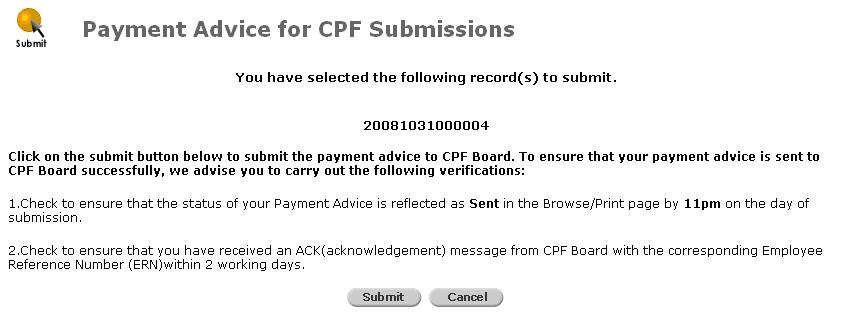
Confirmation Message
Click  . A Submission Status page will be displayed.

CPF Payment Advice Submission Status Page
Click  to go back to the Payment Advice for CPF Submissions page.